
In the cafe
Spotify on tap.
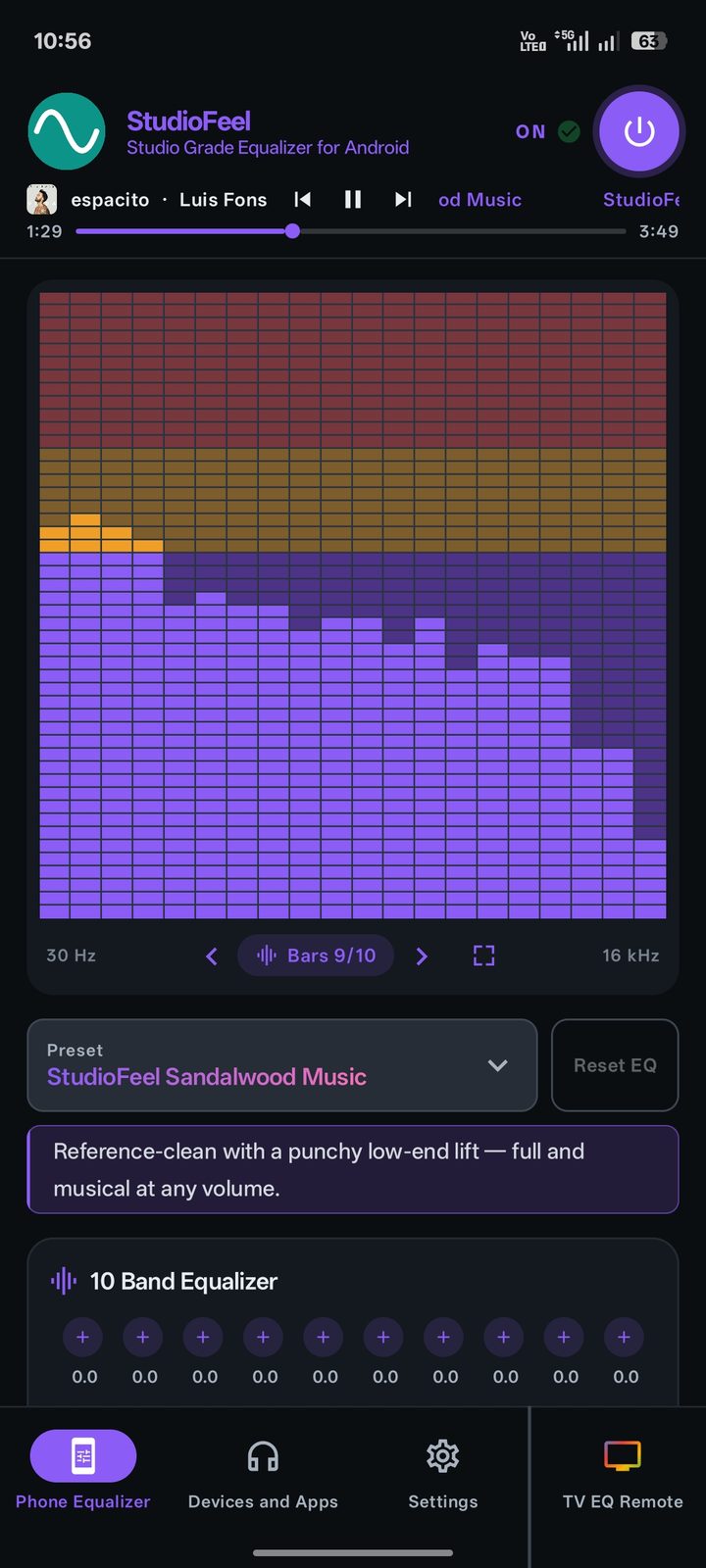
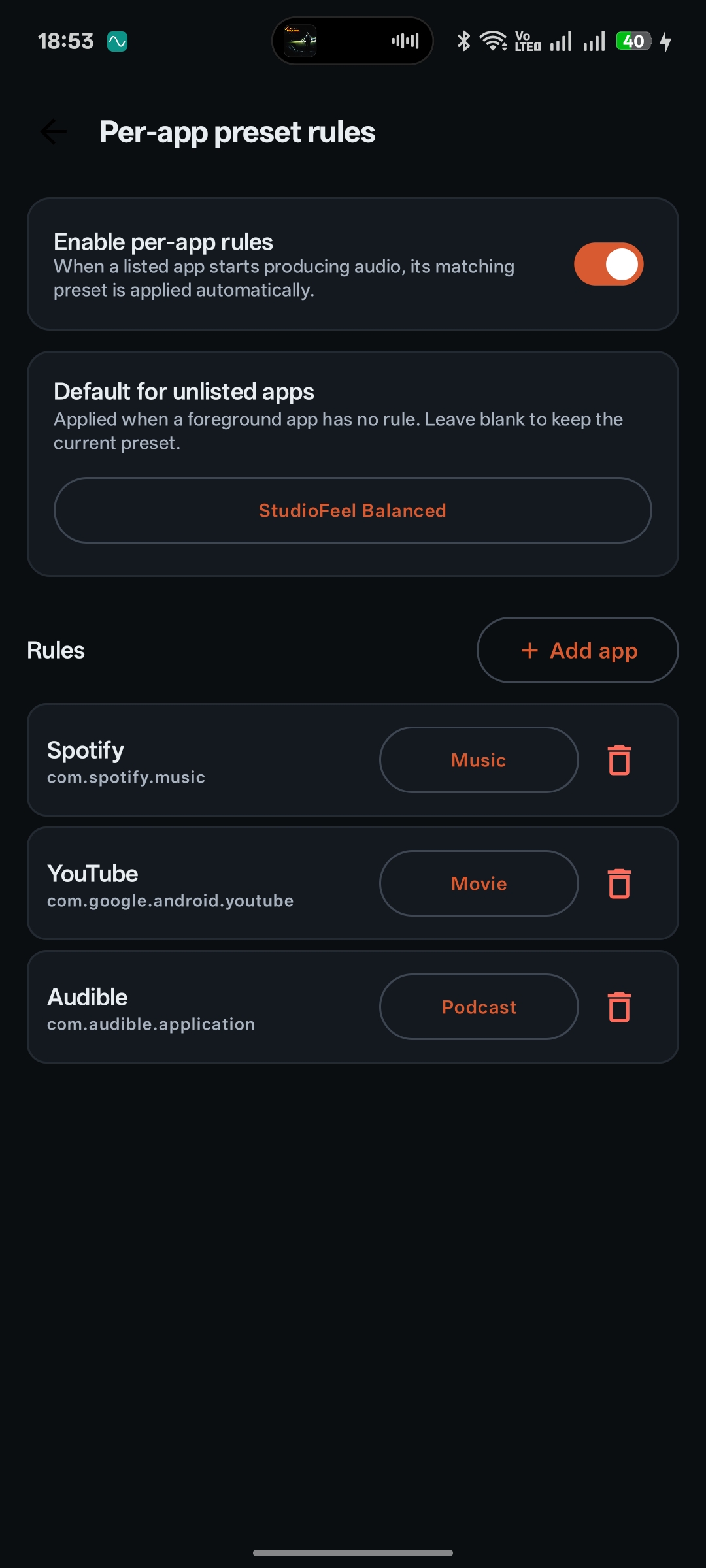
The Music preset auto-engages the moment Spotify starts playing. Tight low-mids, vocals that pop.
A studio-grade equalizer for your Android phone and your Android TV. Twelve signature presets, ten precision bands, headphone tunings — and a remote that tunes your TV from the couch.

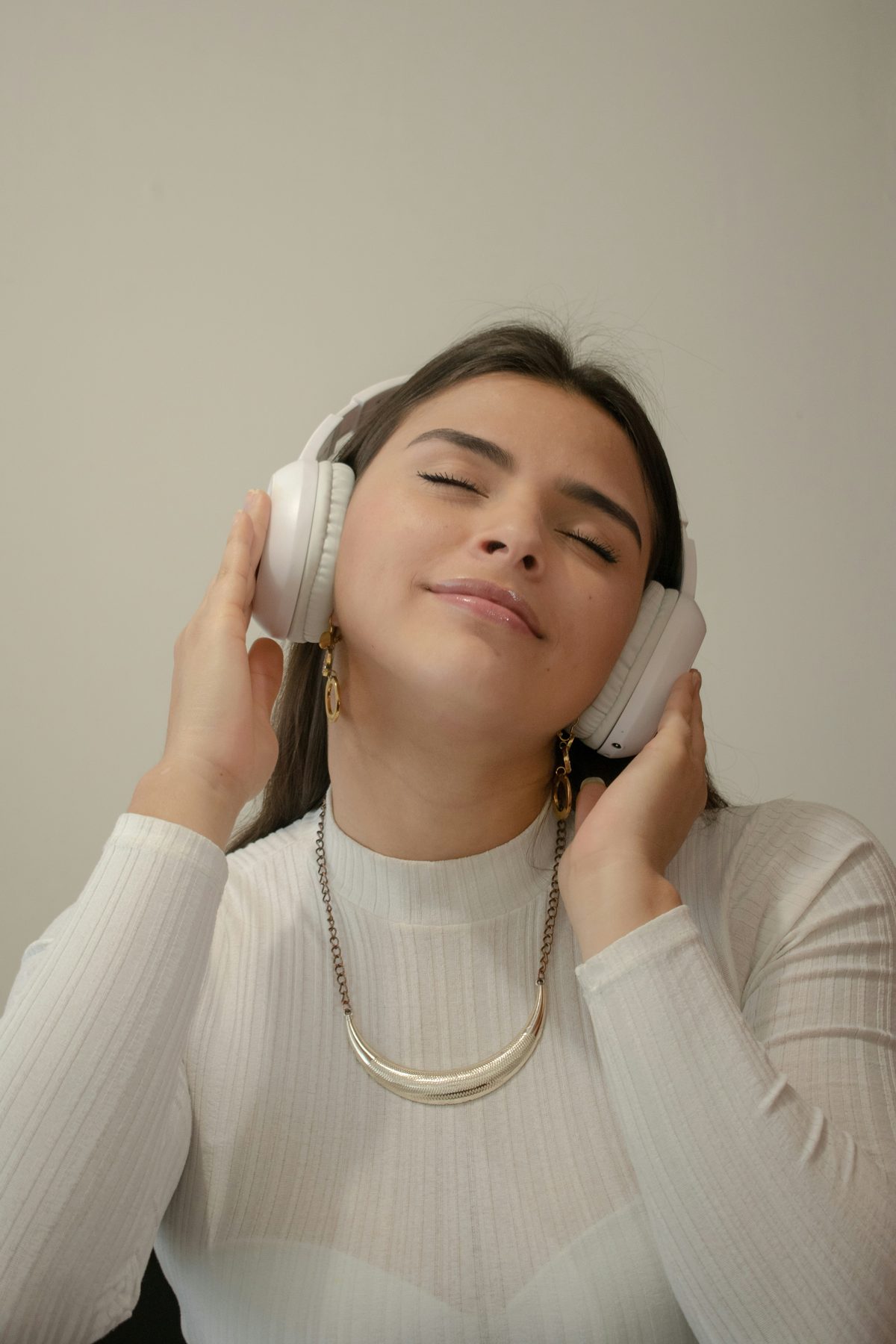
When the bass is right and the vocals breathe, you stop noticing the app. You just hear the music. That’s the point.
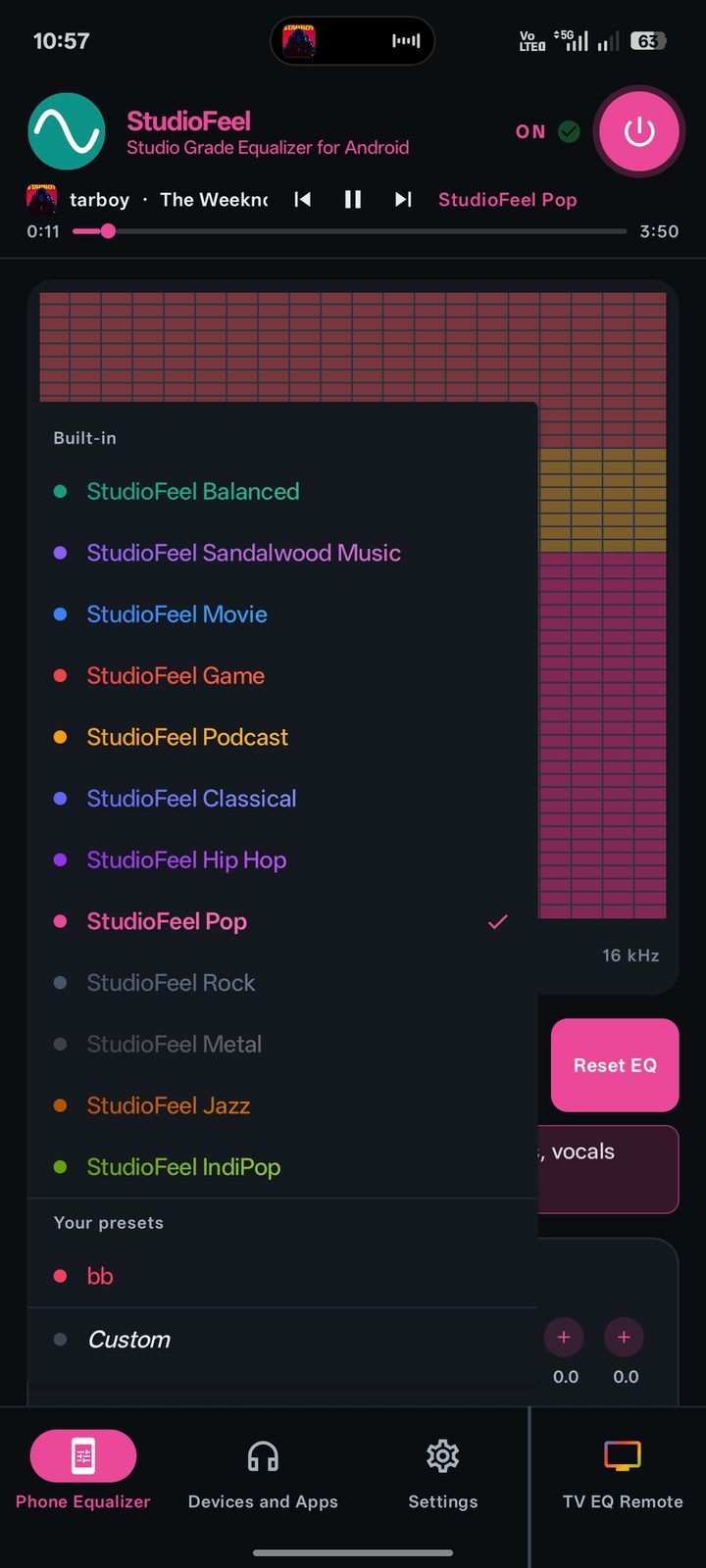
Get StudioFeel ›Twelve signature presets — and your own saves. Ten precision bands. Bass shaping, voice clarity, and a volume boost to 400% — all without distortion. One app, every sound on your phone. And now, your TV too.
Get it on Google PlayTell StudioFeel once. Spotify gets Music. Prime Video gets Movie. Your AirPods get a softer curve. Your TV keeps its own sound. Walk out the door — the sound walks with you.
The Music preset auto-engages the moment Spotify starts playing. Tight low-mids, vocals that pop.

Podcast preset for Audible. Voice Enhancer pushes dialogue above traffic, breeze, and the dog.

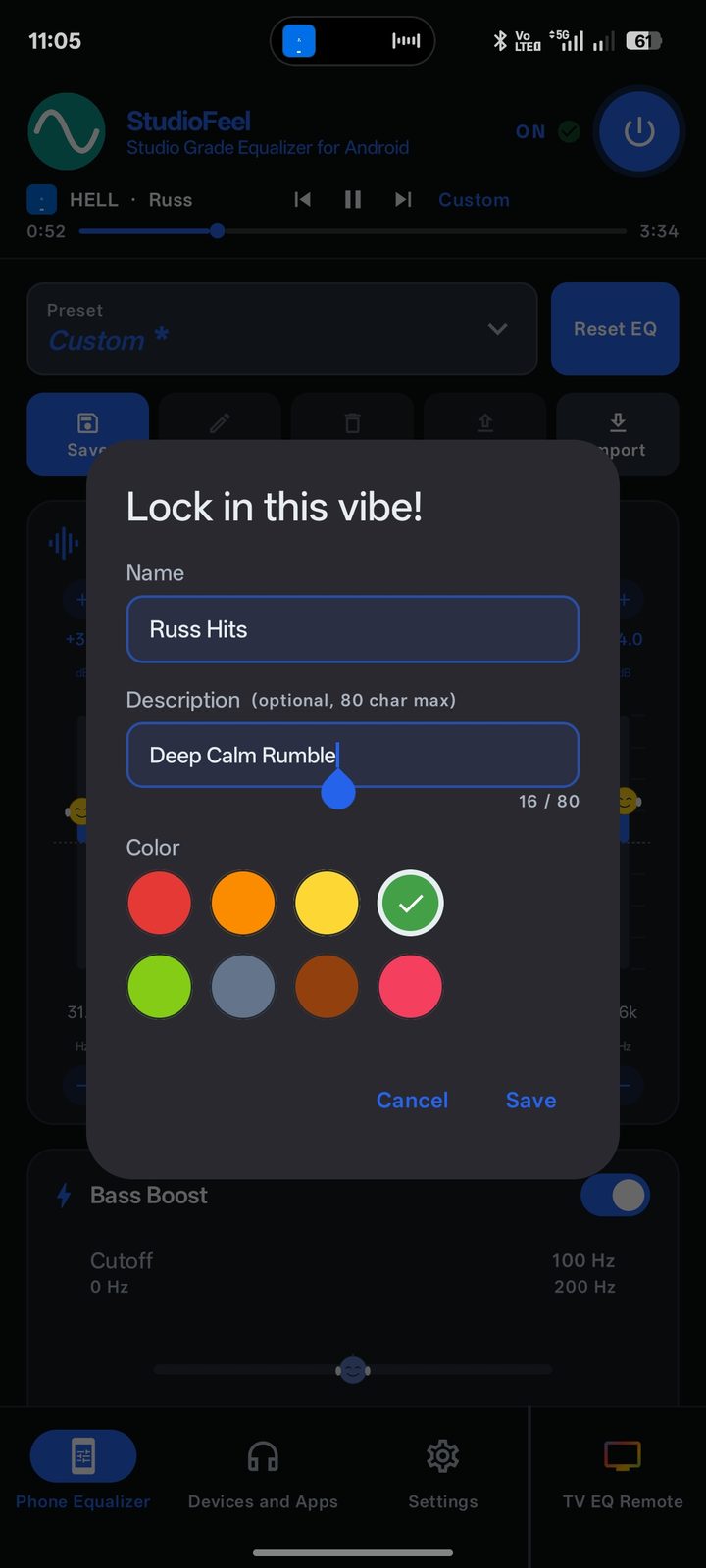
Your custom EDM preset. Volume Boost at 200%. The kick lands in your chest, not your ears.
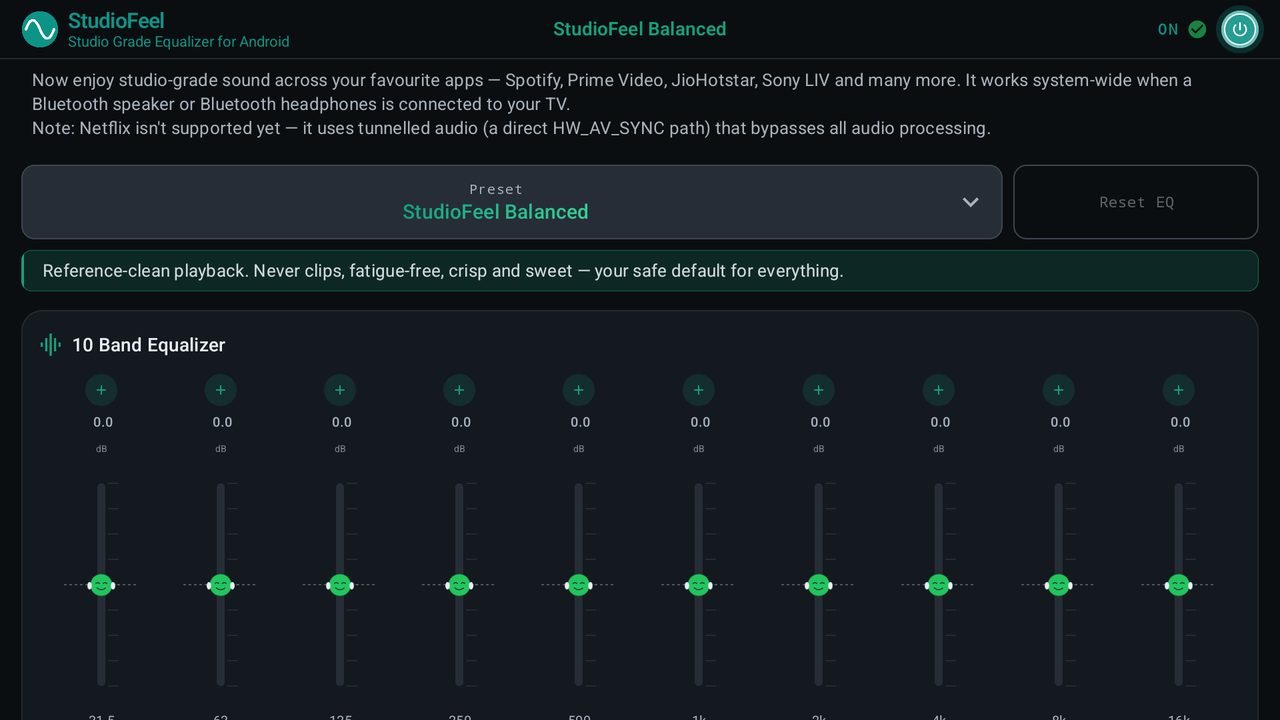
StudioFeel now lives on your Android TV — the same studio DSP, the same twelve signatures, built for the big screen. Works with Spotify, Prime Video, JioHotstar, Sony LIV and more.
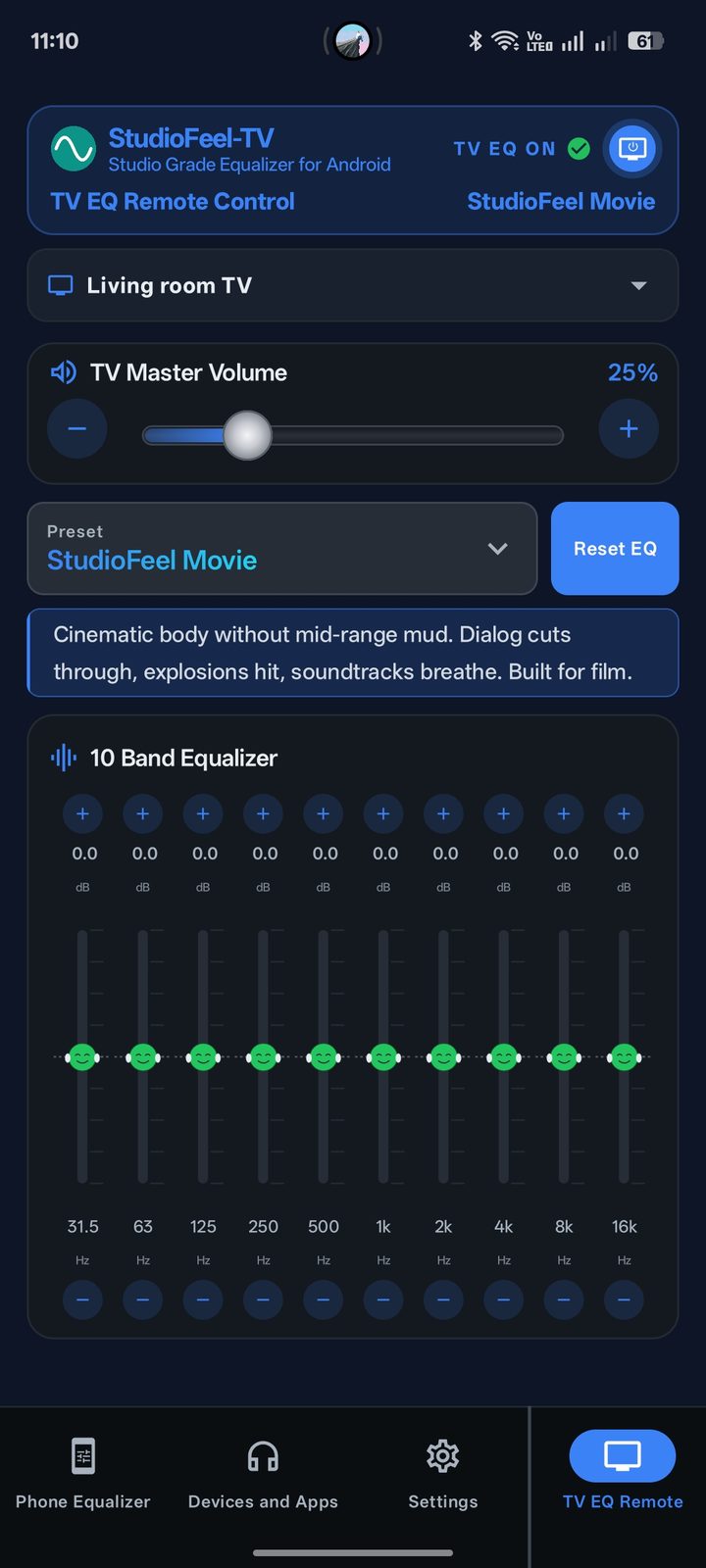
Sit back, open the phone app, and everything on the screen answers to your thumb — live, both ways. Change it on the TV and the phone follows; change it on the phone and the TV obeys.

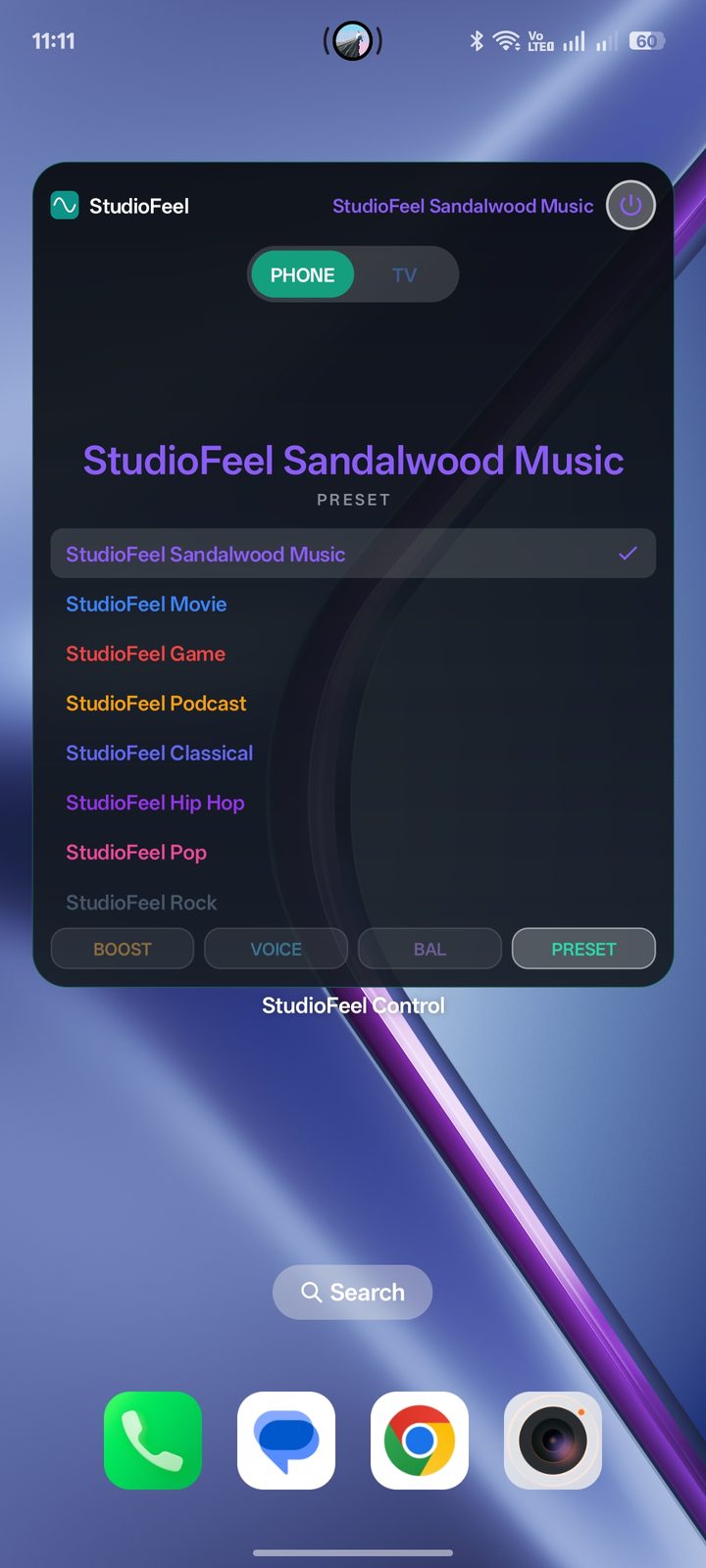
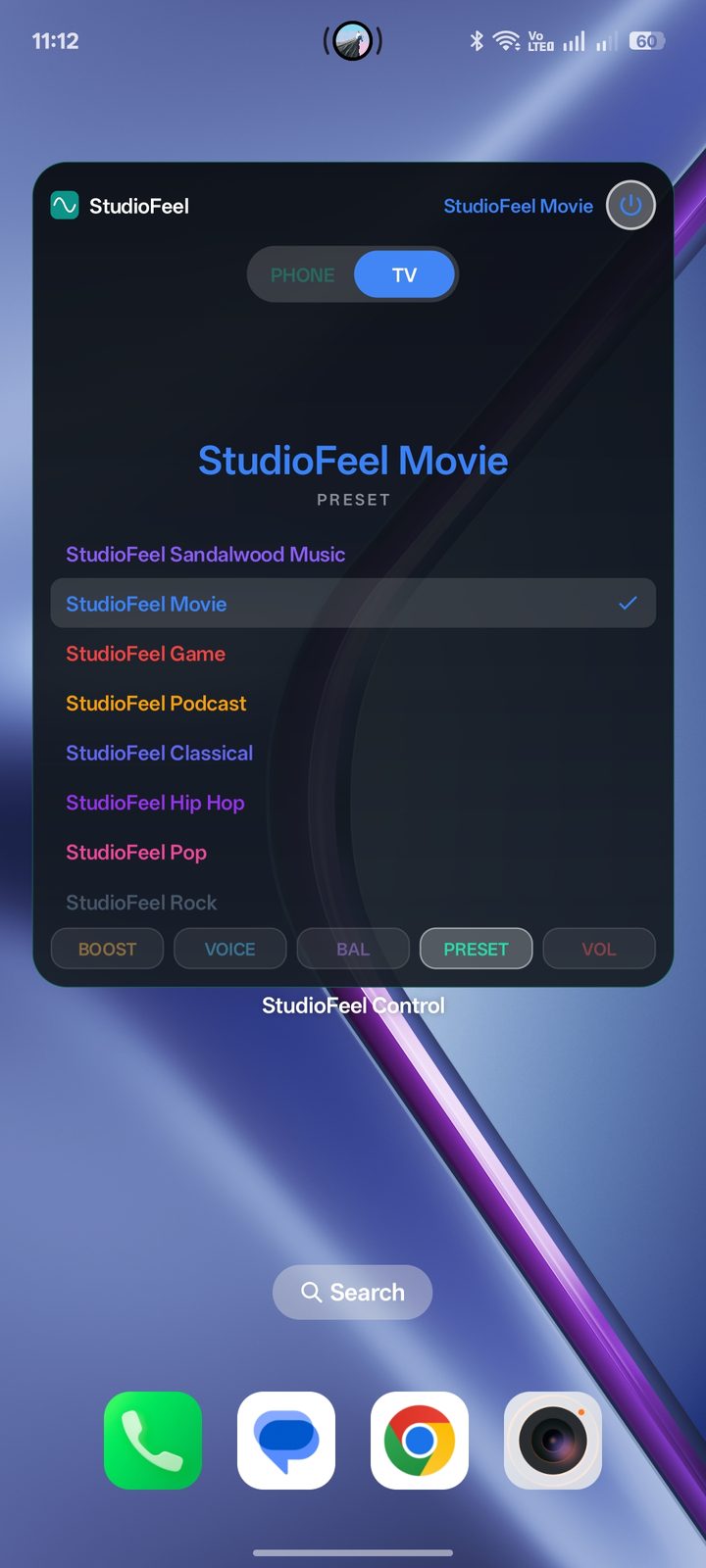
Swipe through. Tap a dot to jump.
The short version — and why it sounds better than the usual EQ.
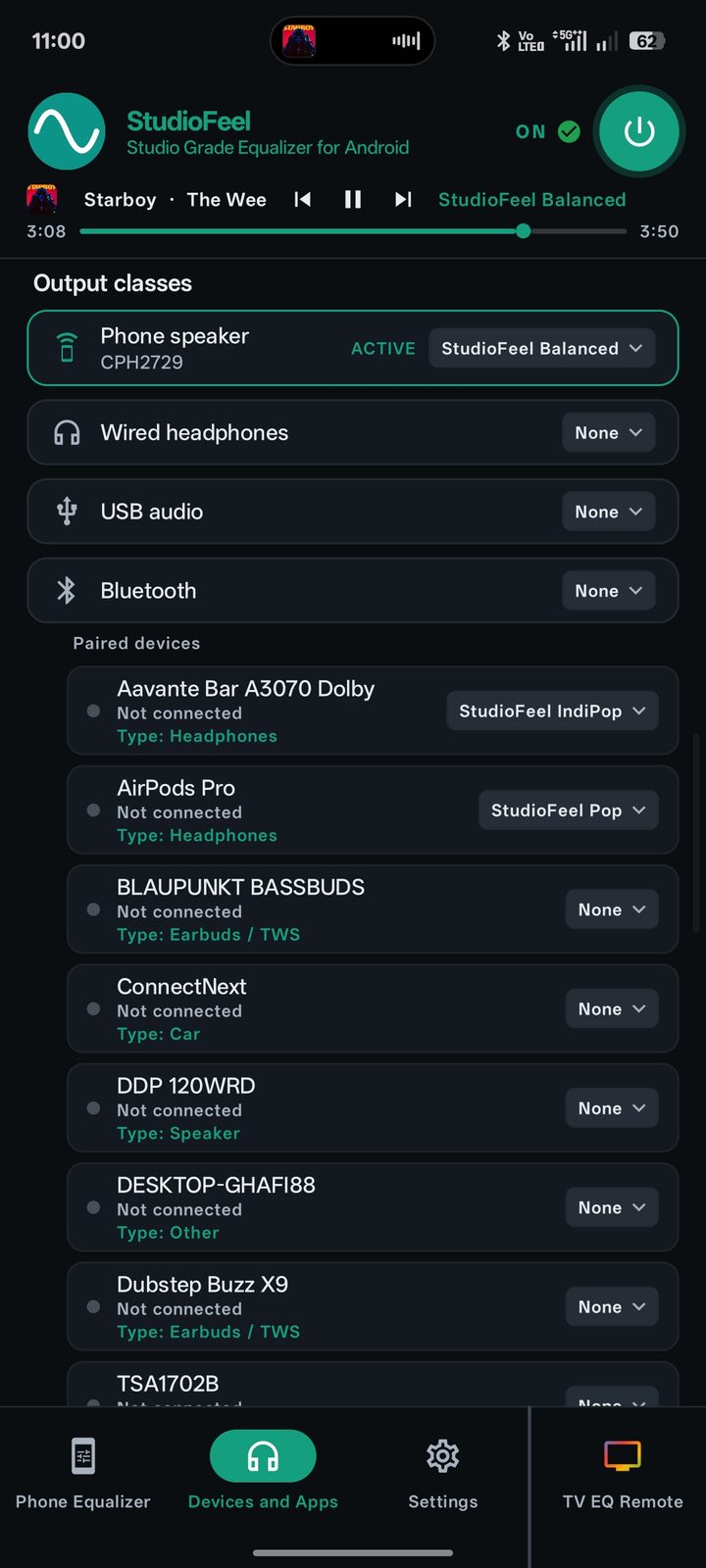
Balanced to IndiPop, Sandalwood Music to Metal — hand-tuned.
32 Hz to 16 kHz, ±12 dB, 1 dB step.
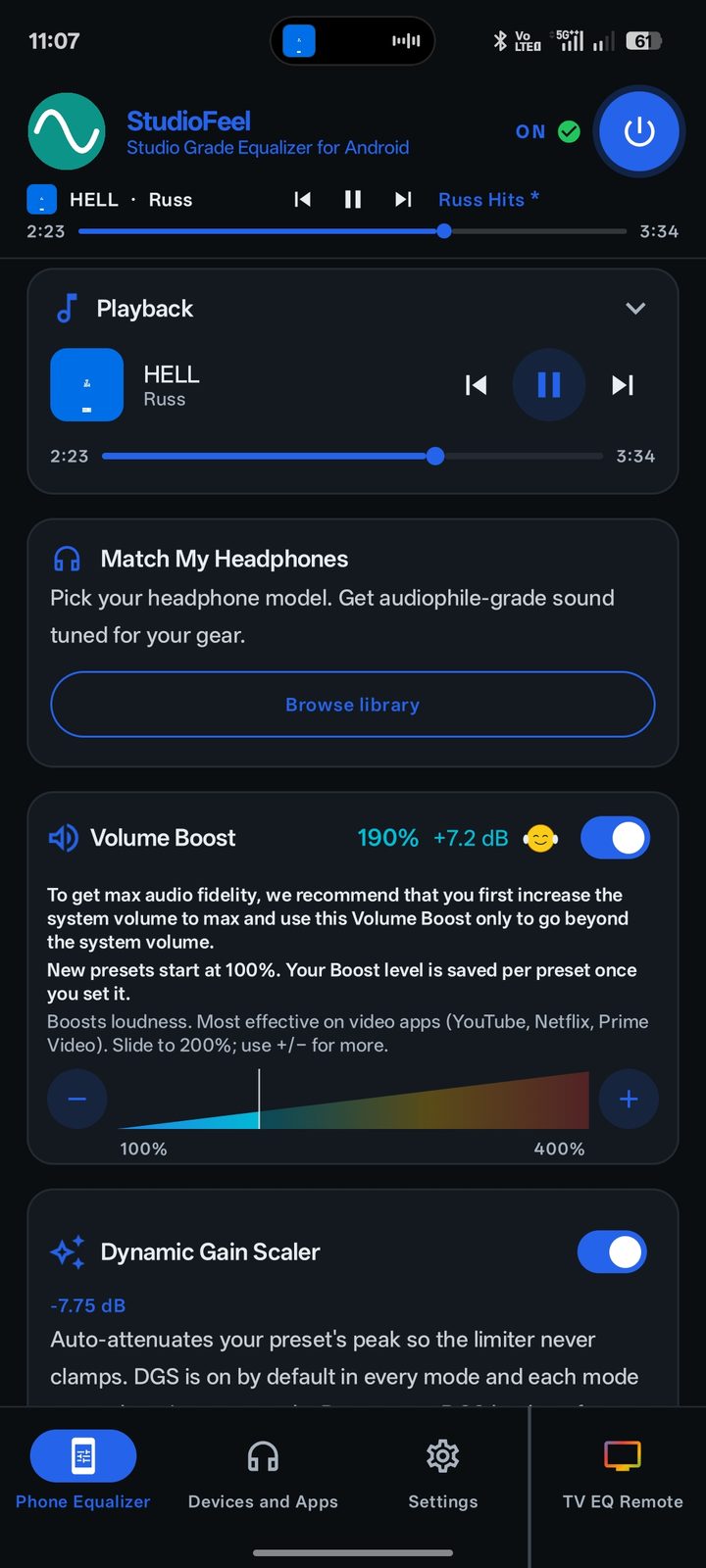
30+ curated tunings. Sennheiser, Sony, Bose, more.
Real low-shelf with cutoff. Asymmetric vocal lift.
Quiet content, made loud. Brick-wall limited — never clips.
Per-app, per-device. The sound switches when you do.
Same DSP on the big screen. Tune it all from your phone.
Power, presets, Boost — phone or TV, one tap away.
Fully translated, phone and TV — RTL included.
StudioFeel processes your audio entirely on your phone and your TV. The privacy policy says the same in long form.

Every feature, every preset — phone and TV. No ads, no tracking. Join 30,000+ listeners.
Coming soon: StudioFeel for Windows PC — Windows 10 & 11.
Questions? Read the FAQ or write to hello@studiofeel.in.
Most equalizer apps nudge frequency bins and call it EQ. StudioFeel runs true minimum-phase studio filters — the same mathematics inside mixing consoles — on every sample your phone or TV plays. You don’t just hear the difference. You feel it.
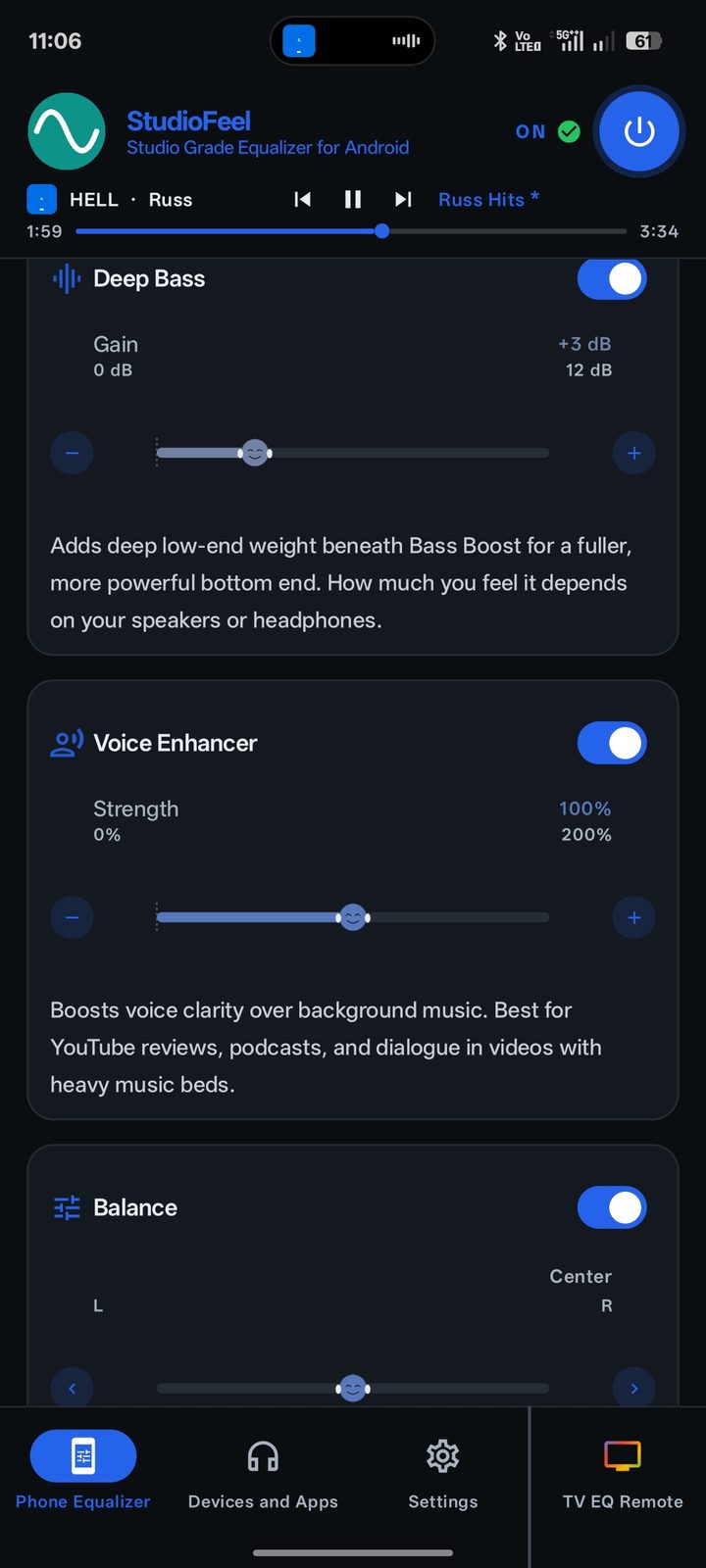
Voice Enhancer lifts speech clear of the music bed — you follow every word at whisper volumes.
Bass Boost with a real cutoff, Deep Bass underneath — weight in your chest, never mud in the mids.
Volume Boost to 400% pushes past the system ceiling — limiter-guarded, so it never distorts.
The right sound follows your app, your headphones, your TV — switching itself the moment you do.
StudioFeel is free to download on Google Play — no ads, no tracking. If anything about that ever changes, the app will tell you clearly first.
Yes — StudioFeel runs on Android TV and Google TV. Install it from Google Play on the TV, or push it to the TV straight from the phone app’s TV EQ Remote tab. Pair once over Wi-Fi and the phone becomes a full remote. Setup steps in the full FAQ.
Nine times out of ten it’s the battery saver pausing the app, or — on TV boxes — Dolby/DTS passthrough carrying audio around the Android mixer. Both take one setting to fix: the full FAQ walks you through it.
Android only lets one EQ attach to the system audio session. StudioFeel detects Wavelet, JamesDSP, FxSound, Boom, or OEM Dolby/DTS enhancers and surfaces a one-tap diagnostic banner. Disable the other one and StudioFeel takes over.
Nowhere. Audio is processed entirely on your phone and TV, and the phone↔TV remote talks only over your own Wi-Fi. Nothing leaves your home. Full policy.
Apple’s audio architecture doesn’t allow system-wide EQ apps on iOS. Not without a major change from Apple. StudioFeel started as a Chrome extension, so a browser version is on the roadmap.